.png&w=3840&q=75)
No Credit Card? The Best Ways to Top-Up Your Favorite Mobile Games in the Philippines
By: Julie
24 Mar 2026
Many Filipino gamers know this exact frustration: A brand new event drops in Mobile Legends: Bang Bang. Your favorite character in Genshin Impact gets a limited banner. You want the premium battle pass in PUBG Mobile. You're ready to play, but there’s a huge roadblock standing in your way—you don't have a credit card.
In the past, you had to walk to a convenience store to buy physical prepaid cards.
Today, the mobile game top-up process in the Philippines is fast, completely digital, and entirely credit-card-free. You don't even need a bank account to get started; you just need a verified e-wallet or a reliable third-party top-up website.
Let's dive into the best, stress-free ways to buy in-game currency.
Why Use Digital E-Wallets for Game Top-Ups?
Digital wallets have completely changed how Filipinos pay for everyday things, and they are absolutely perfect for mobile gamers. Here’s why they are the go-to method:
- No Bank Account Needed: You only need a valid ID and an active mobile number to create a fully working account.
- Instant Currency Delivery: You don't have to wait days. Items drop straight into your game account in seconds.
- Safe and Secure: You don't have to expose sensitive credit card numbers online.
- Highly Accessible: You can easily cash-in to your e-wallets at any 7-Eleven, local grocery store, or neighborhood pawnshop.
Quick Comparison: GCash vs. Maya vs. Third-Party Stores
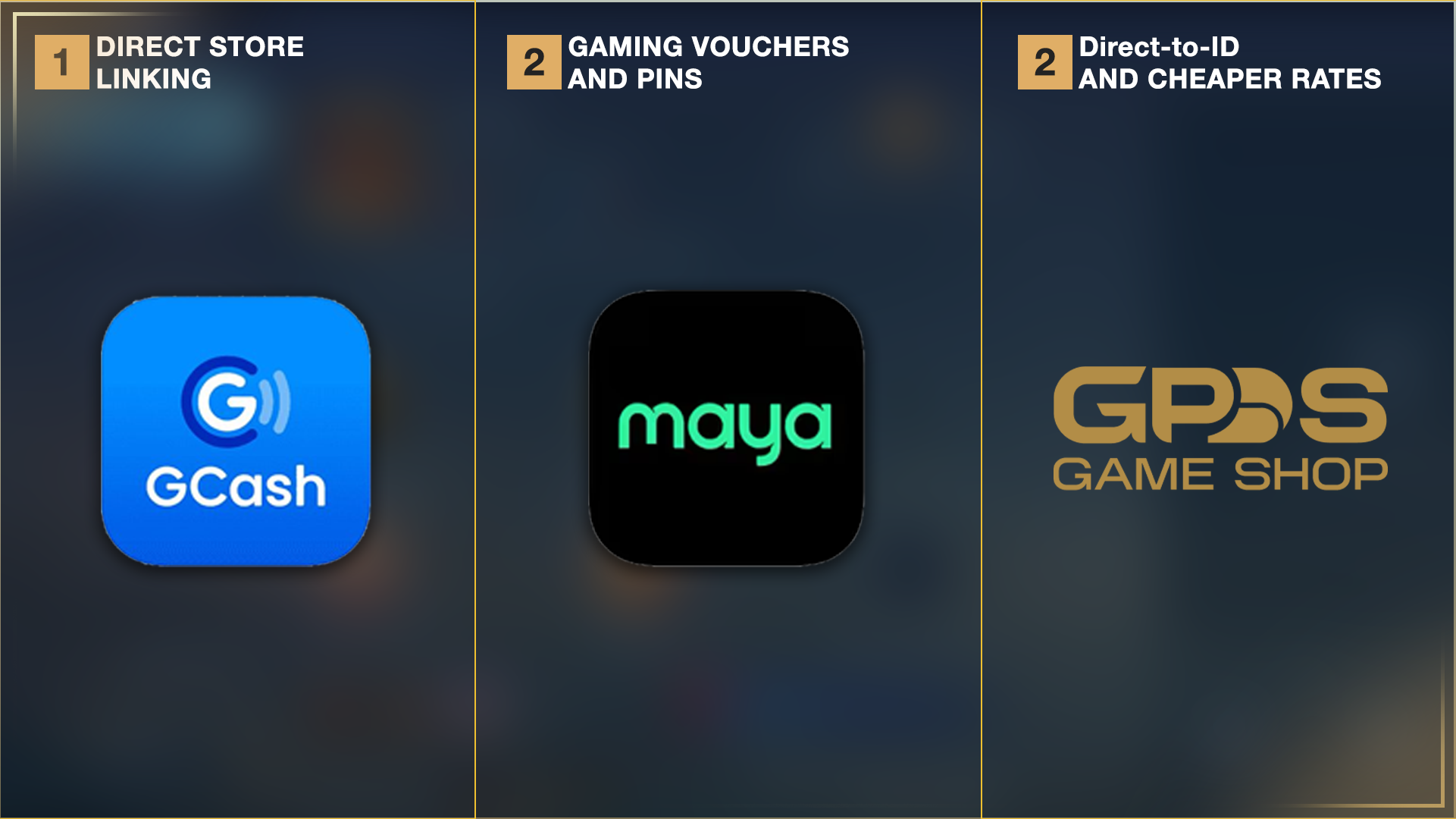
If you're in a hurry, here is a quick breakdown of your main options:
| Payment Method | Delivery Time | Setup Required | Best For | Extra Fees |
| GCash (App Store Link) | Instant | Link account to Apple/Google | Direct in-game purchases | Minimal convenience fees may apply |
| Maya (In-App Store) | Instant (Voucher) | Maya App Verification | Buying specific game pins/vouchers | Varies by voucher |
| Third-Party (e.g., GPDS) | 1-5 Minutes | None (Just Game ID) | Direct top-ups, skipping vouchers | Often cheaper local rates |
How to Top-Up Games Using GCash
GCash is the most popular e-wallet in the country, making buying in-game currency incredibly simple. There are two main ways to use it.
Method 1: Link GCash to Your App Store (Most Convenient)
This is the easiest method for direct in-game purchases. You link your GCash account straight to your Google Play Store or Apple App Store.
- Open your phone's official app store (Google Play or Apple App Store).
- Navigate to your account's payment settings.
- Add a new payment method and select GCash.
- Verify your account using the OTP (text message code) sent to your phone.
- Open your favorite game and buy items directly from the game menu. The payment automatically deducts from your current GCash balance.
Method 2: Buy Gaming Pins Inside the App
Great for games that use special voucher codes. (Note: The GCash interface updates frequently. As of recently, the layout looks like this:)
[Insert Screenshot of GCash Dashboard highlighting the Load/Non-Telco section]
- Open your GCash app and enter your MPIN.
- Tap the "Load" icon on the main dashboard.
- Swipe to the right and select the "Non-Telco" tab.
- Choose "Game Credits" from the available list.
- Select the specific game you want to top up.
- Enter the mobile number where you want to receive the text code.
- Pick the amount you want to spend and complete the payment.
For a deeper look into transaction limits, check out the official Globe GCash guide.
How to Buy Gaming Pins Using Maya
Maya is another excellent option with a dedicated section built just for gamers. You can buy pins for Garena Shells, Roblox, PlayStation Network, Steam Wallet, and more.
[Insert Screenshot of the Maya Gaming Menu]
Here is how to use Maya's gaming portal:
- Log into your Maya app.
- Tap the "Gaming" or "Play" icon on the home screen.
- Browse the list and select the game pin you need.
- Pick the exact denomination you want to buy.
- Review your purchase details carefully.
- Slide the button at the bottom to confirm payment.
Maya instantly sends a text message containing the pin. You then log into the official game website and type in the code to claim your rewards.
Direct Store Links via Third-Party Shops (e.g., GPDS Game Shop)
Sometimes, you want to skip typing in long voucher codes, or you're looking for special bundles and cheaper local rates. Third-party direct top-up centers are a popular alternative.
Stores like GPDS Game Shop (operating since 2018) connect local players to global suppliers. They are frequently used for major titles like MLBB, Honor of Kings, and Genshin Impact. Instead of sending a voucher, direct top-ups send the currency straight to your gaming account using your Game ID.
Here is how a typical direct store purchase works:
- Visit the top-up website (like GPDS Game Shop) on your browser.
- Select your specific mobile game.
- Type in your exact Game ID and Server ID (Triple-check this!).
- Choose the amount of currency (Diamonds, Tokens, Crystals) you want.
- Select your payment method (GCash, Maya, QRPH, or Bank Transfer).
- Click pay and wait for confirmation. Most reputable stores will provide a screenshot or "proof of load" for your peace of mind.
Pro Tips for Safe Game Top-Ups
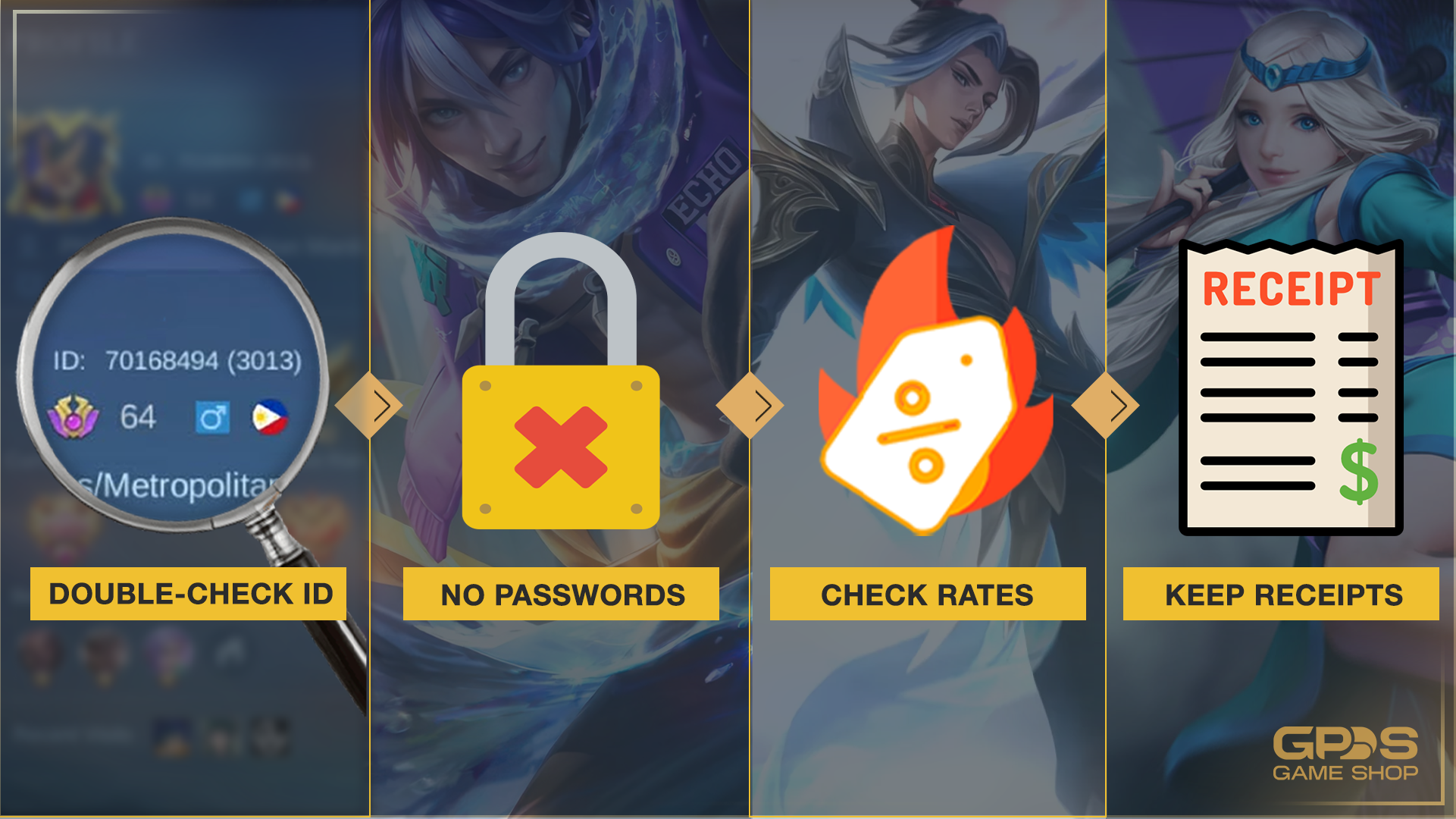
Scams are everywhere online. Always protect your hard-earned money by following these golden rules:
- Always Double-Check Your ID: One wrong number means your diamonds go to a stranger. Always verify your Game ID and Server ID before hitting pay.
- Never Share Your Password: Legitimate top-up sites will never ask for your game password. They only need your public Game ID.
- Compare Daily Prices: Check prices across GCash, Maya, and third-party stores. Sometimes one platform runs a limited cashback promo.
- Keep Your Digital Receipts: Always screenshot your successful transaction. If delivery is delayed, this receipt is your ticket to fast customer support.
Frequently Asked Questions (FAQ)
Can I refund a game top-up?
Usually, no. Digital purchases and game top-ups are final. The moment the currency enters your account, the transaction is complete. Always double-check your cart before paying.
How long does a top-up take to arrive?
Most transactions are instant. Whether you use GCash, Maya, or a direct shop, items usually appear within 1 to 5 minutes. (Note: Server traffic during major game updates might cause slight delays).
Are there hidden fees?
E-wallets might charge a small convenience fee depending on the game. Trusted third-party stores will always display the final total price before you pay. Always review the final checkout screen.
Is it safe to use third-party top-up sites?
Yes, but only if you use authorized and verified sellers. Look for stores with a long track record, active customer service, and secure payment channels like QRPH.
Do I need to verify my e-wallet to buy game credits?
Basic accounts can buy small amounts, but it's highly recommended to fully verify your GCash or Maya account. Upgrading increases your daily spending limits and unlocks crucial security features to protect your funds.
You Might Also Like:
- How Fast Do MLBB Top Ups Deliver? Delivery Time, Delays, and What to Do
- Is Buying MLBB Diamonds from Third-Party Sites Safe? (Philippines Guide 2026)
- Where to Buy Cheap Genshin Impact Genesis Crystals in the Philippines This 2026


.png&w=384&q=75)
.png&w=384&q=75)


Secure Shopping
Encrypted and trusted payment process.
Fast and Instant Delivery
Top-ups are processed quickly after confirmation.
Customer Support
Available 6am - 4am PHT daily.
100% Customer Satisfaction
Reliable and customer-first service.